 View Chrome extensions
Custom uploads
Assign your own MP3 or WAV files to browser events.
Chrome extension
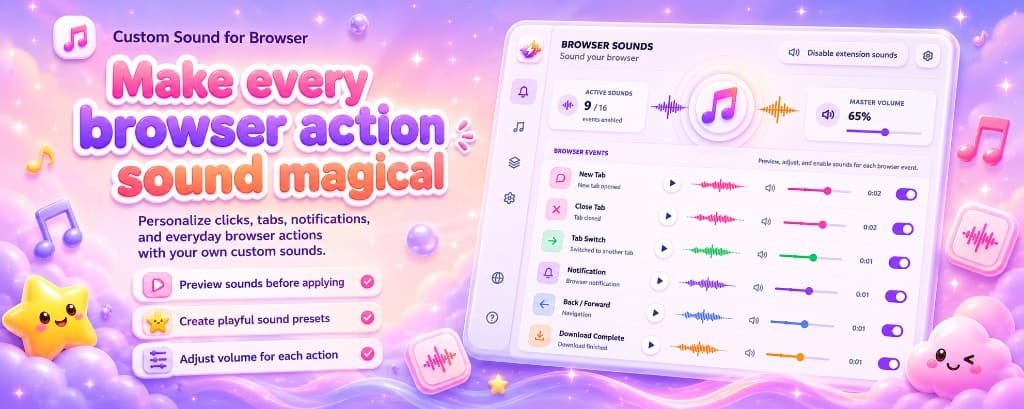
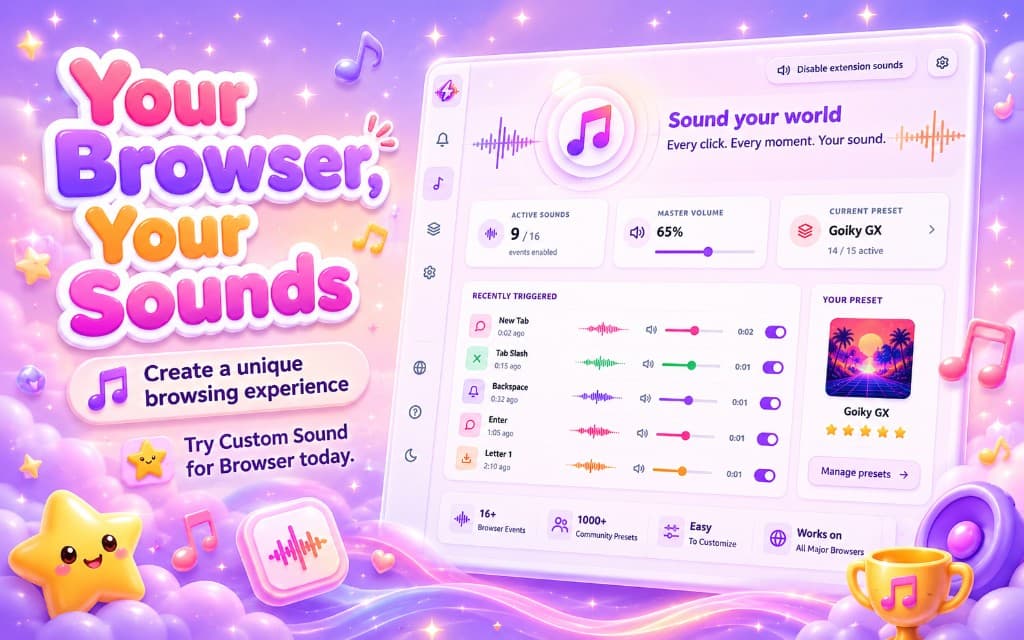
Custom Sound for Browser adds playful audio to everyday browsing. Browse Sound Mod presets, preview packs online, and install from the Chrome Web Store in minutes.
Features
A focused toolkit-no cluttered settings, just sounds that match how you browse.
Assign your own MP3 or WAV files to browser events.
One-click packs for playful, minimal, retro, and more moods.
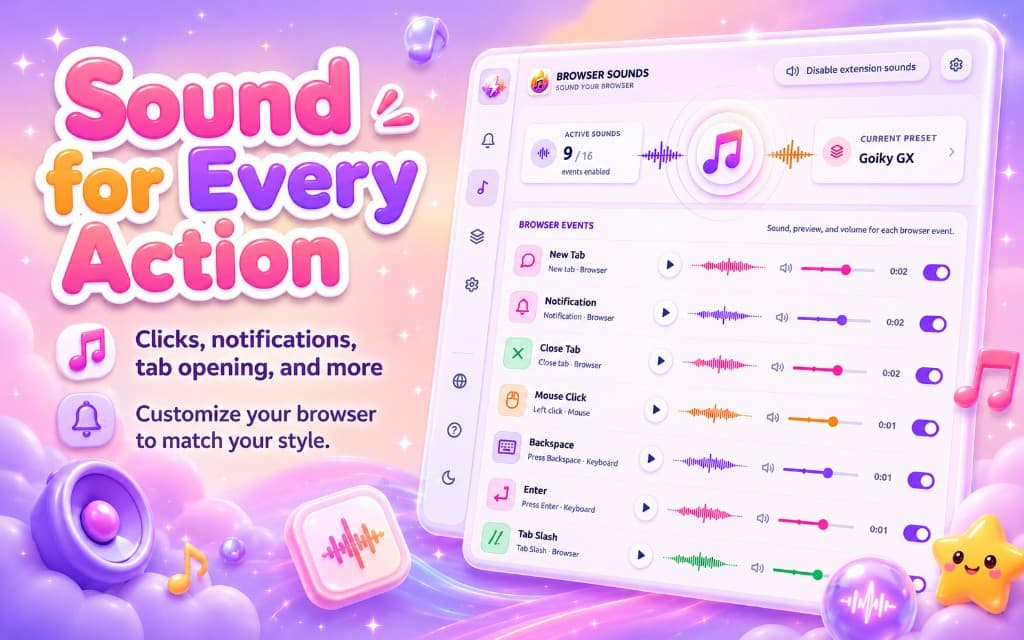
Tabs, clicks, keys, notifications, downloads, and navigation.
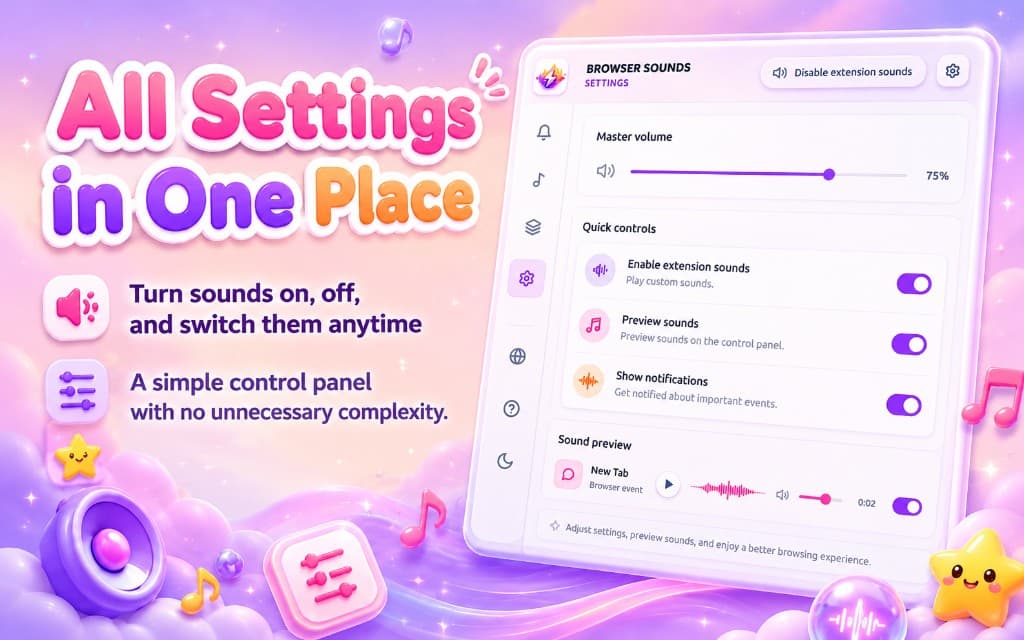
Balance loud alerts with subtle UI feedback.
Listen on Sound Mod before applying in Chrome.
Upload sounds
Pick sounds from your computer and map them to browser actions. Preview levels in the extension before anything goes live.
Sound presets
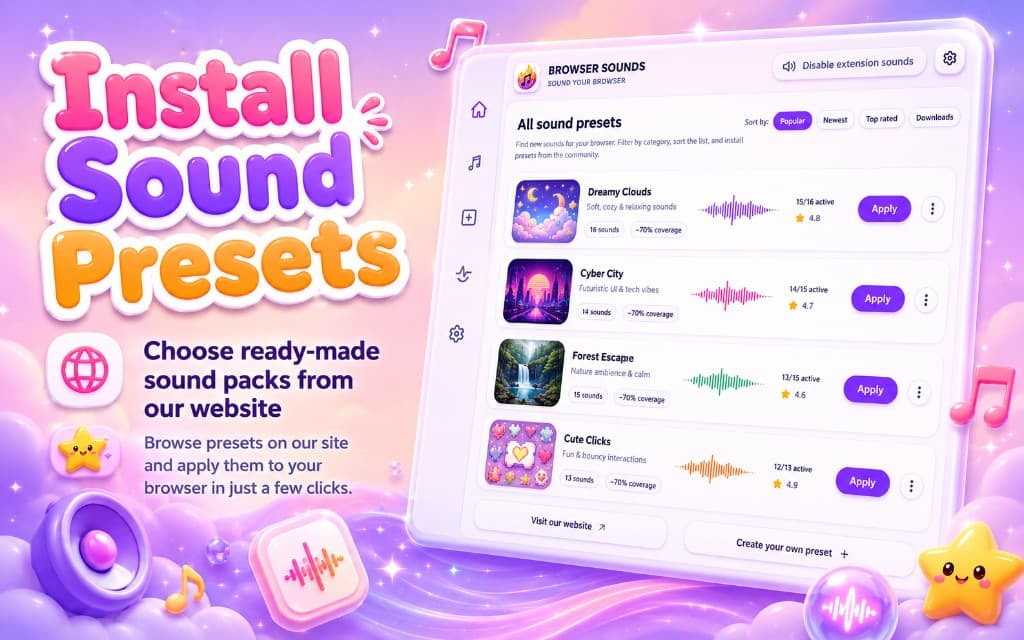
Explore community packs, preview every clip on the website, then send a preset to the extension with one click.
Browser actions
Choose what should play audio-then fine-tune volume for each action in the extension popup.
Play a sound when a tab opens.
Optional audio when a tab closes.
Replace default click feedback.
Custom alert sounds for browser notifications.
Celebrate finished downloads.
Sounds tied to page navigation events where supported.
How it works
From install to your first custom tab sound-most users finish in minutes.
Get Custom Sound for Browser from the Chrome Web Store and pin the toolbar icon.
Browse Sound Mod or add your own audio for each browser action.
Listen before applying, then balance clicks, tabs, and notifications separately.
Everyday actions feel more playful without leaving Chrome.
Custom Sound for Browser uses browser events to know when to play sounds. Preferences can stay local; catalog requests may reach Sound Mod when you browse presets. Read the Privacy Policy and Chrome Web Store listing for current details.
Distributed for desktop Chrome via the Chrome Web Store. Other Chromium browsers may vary-check the store page before installing.
FAQ
Quick answers about installation, presets, privacy, and compatibility.
More topics in the full Sound Mod FAQ.
Choose Custom Sound for Browser, Custom Sound for Chrome, or Custom Sound Mod in the footer, then browse Sound Mod presets for clicks, tabs, and notifications.